
TertulIA Complete (US)
Every course — Understand, Create, Research, Know, Analyze — in plain language, with a working take-home from every lesson. One membership, growing as the field does.
Start anywhere — each track stands alone; together they build on each other. Every track past Entender teaches one transferable skill: reaching a resource through its API, with the AI writing the code and you deciding what to ask.
How the machine actually works, in plain language. No code. The lens.
Start with Understand →Make text, images, music, voice and video by calling the models through their APIs, in Python notebooks the AI writes for you. The craft.
Start with Create →Turn public archives into evidence you can cite: their APIs, opened by code Gemini writes while you ask the questions. The record.
Start with Research →Read the scholarly record through the six APIs that hold it, no university badge and no code of your own. The proof.
Start with Know →Say what a pile of text is really doing: count it, compare it, follow one word, measure its tone, in notebooks that reach the corpus through its API and that the AI writes for you. The measure.
Start with Analyze →Not just videos — real Python you keep.
The editor's weekly practice, in public
Every Saturday, AI News Social — orchestrated by the same person who teaches every lesson here — evaluates ~4,000 sources on AI and society, scores them on a nine-criterion rubric, and turns the result into essays, category reports, podcasts, and thirty interactive analyses, in English and in Spanish. It runs on this membership's skills: Investigar's public-archive evidence, Crear's media made in code and direct lines to the models, Entender's judgment about what it all means. The courses won't hand you this pipeline on day one — they teach the pieces it's built from.
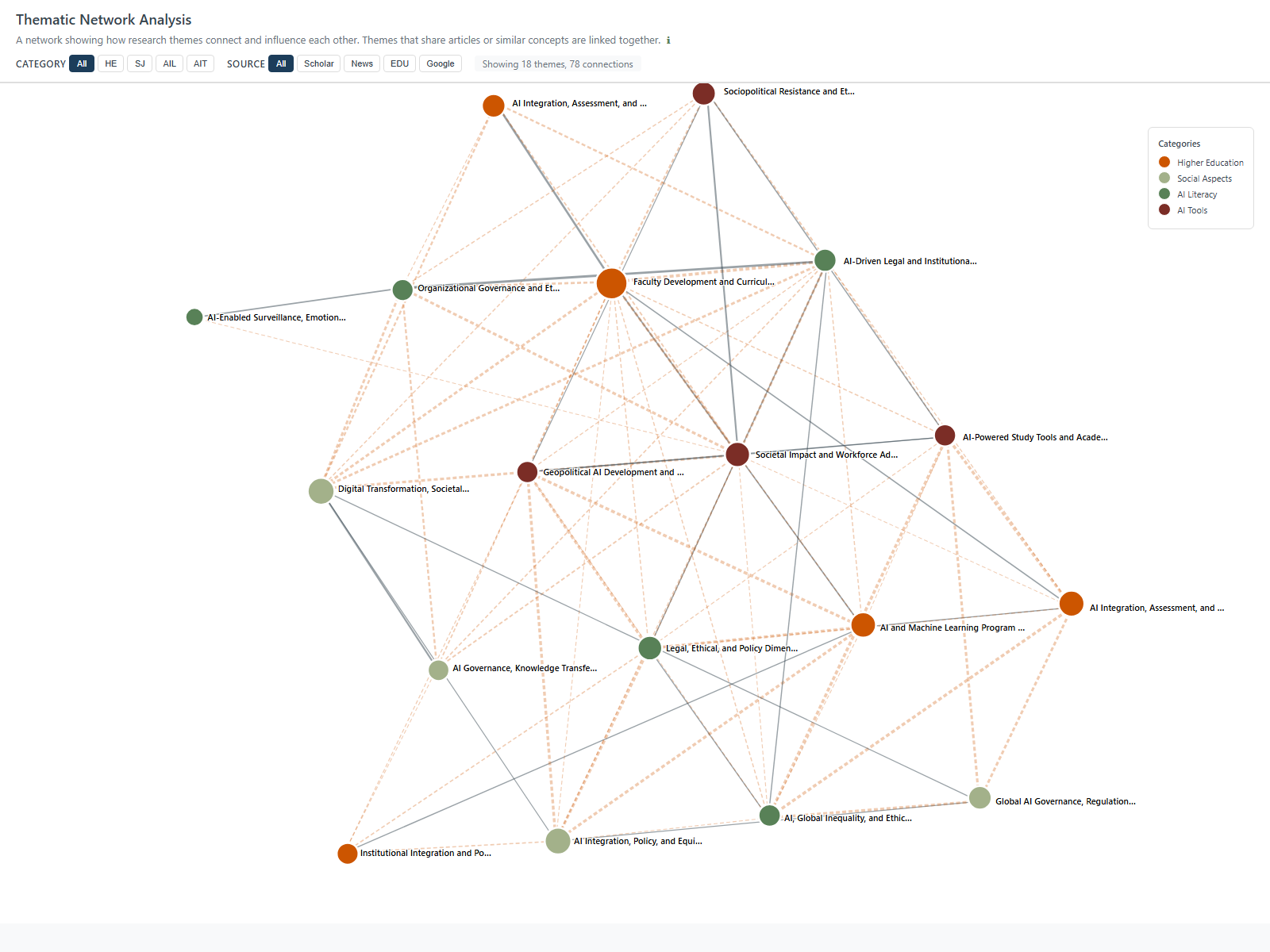
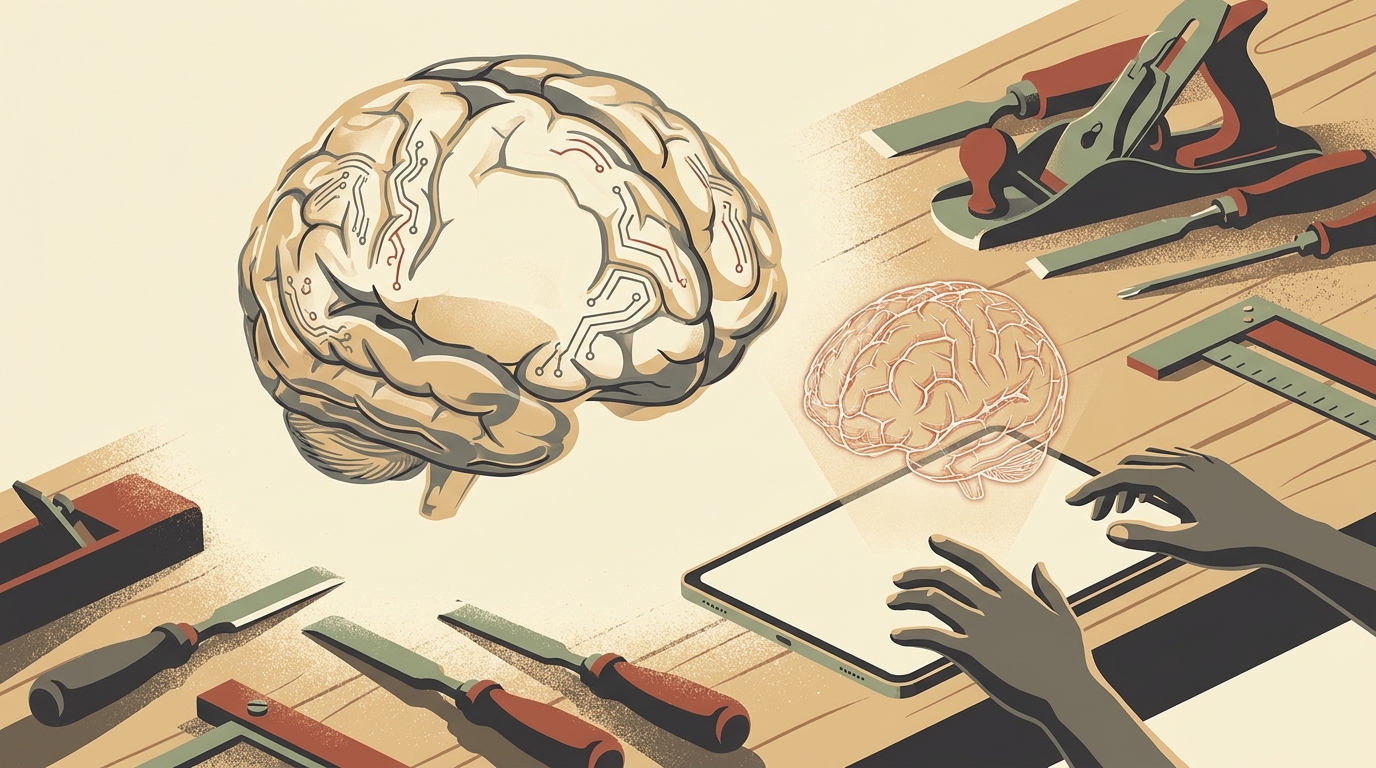
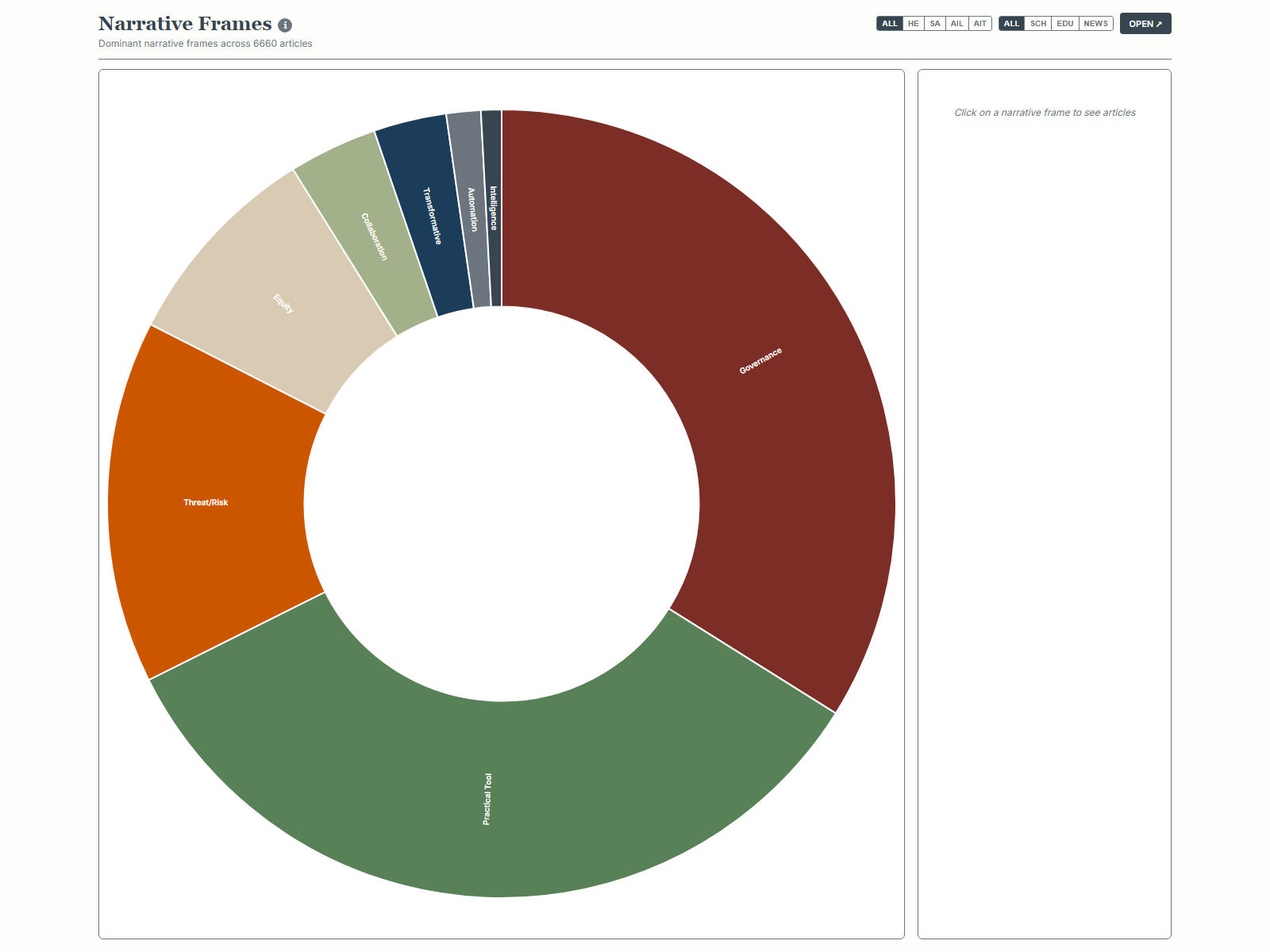
Images: AI News Social, this week's edition — they change every Saturday. See this week's edition, free →
Built for professionals — not hype-chasers.

Dr. Diego Bonilla is a Full Professor of Communication Studies at Sacramento State and teaches graduate courses at UNAM in Mexico City. He created COMS 101 — Information Management and Privacy — and still teaches it; built a six-course digital-literacy minor approved unanimously by faculty; and directed the faculty learning community where these lessons were first taught to professors. He builds his own AI tools — fifteen and counting.
Everything on Google's free tier — even anonymously.
No — and you'll still leave running real Python. Understand uses no code at all. In Create and Research you work in real Colab notebooks, but the code is handed to you: Google's AI Studio writes it when you click Get code, and in Research you describe what you want in plain words and Gemini writes it. When something breaks, you paste the error and Gemini fixes it. Every notebook runs by changing one line.
No. Everything runs on Google's free tier — Colab, AI Studio, and the generative models. An anonymous Google account works; and a US .edu address unlocks Google's advanced tier at no cost.
A written companion from every lesson, working Python notebooks that run on your own data forever, and the things the notebooks make — images, music, narrated video, and cited datasets built from primary sources.
Each course page lists every lesson by name — the full curriculum is public. The lessons themselves are for members; joining takes a minute, and you can cancel anytime.
The full library is also taught in Spanish — not translated, but built for Latin America: the same method aimed at Spanish-language records and Latin American scholarship. See TertulIA Completo (LATAM) ($34.95/mes).